The self-hosted engine behind Zircon: publishes exact mod manifests to your players, multiplexes game & web traffic over a single port, and includes a full browser dashboard.
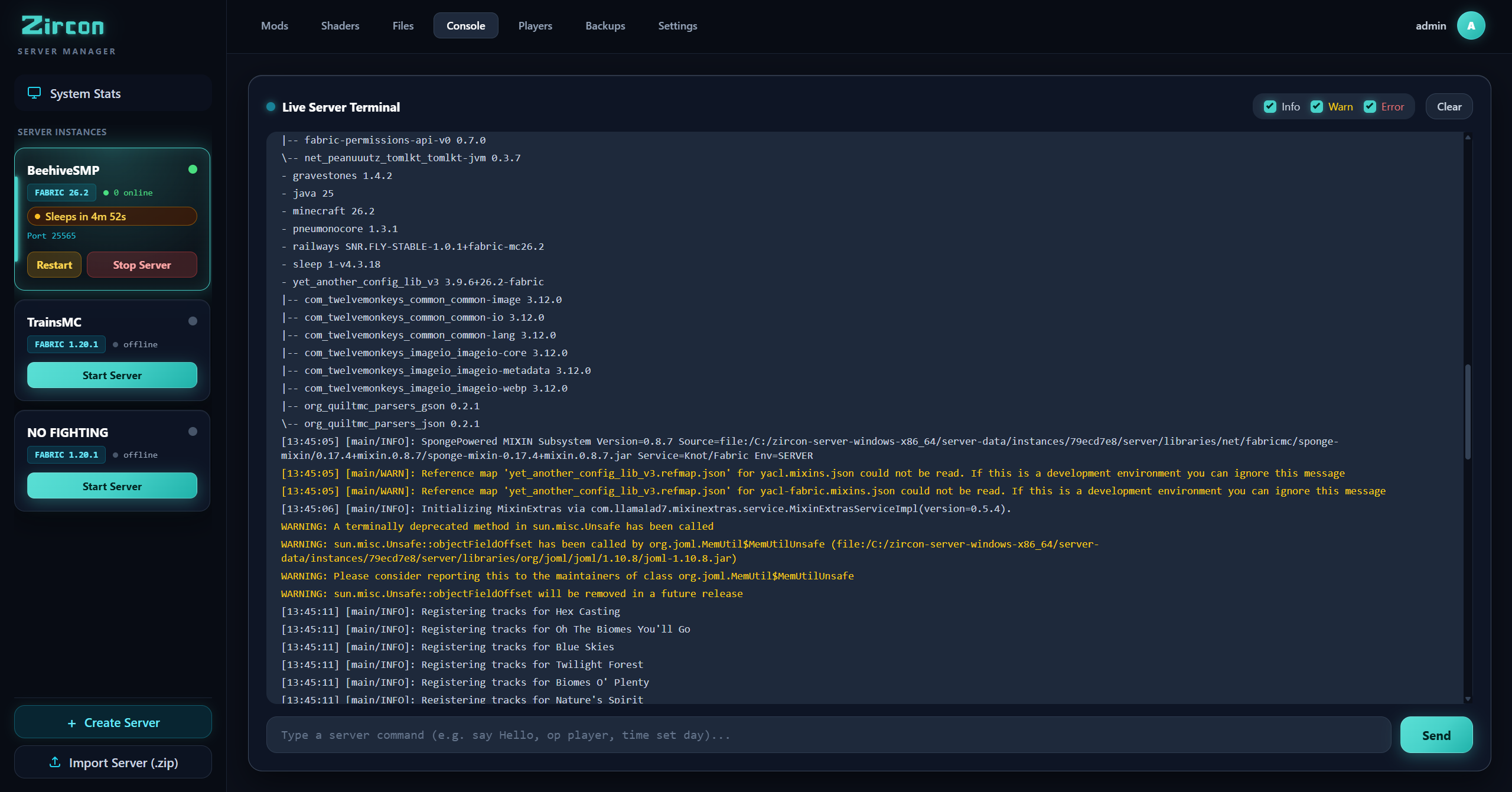
Execute server commands directly from your browser with instant stdout/stderr streaming. Filter logs by Info, Warn, or Error to quickly isolate mod exceptions and track game events.
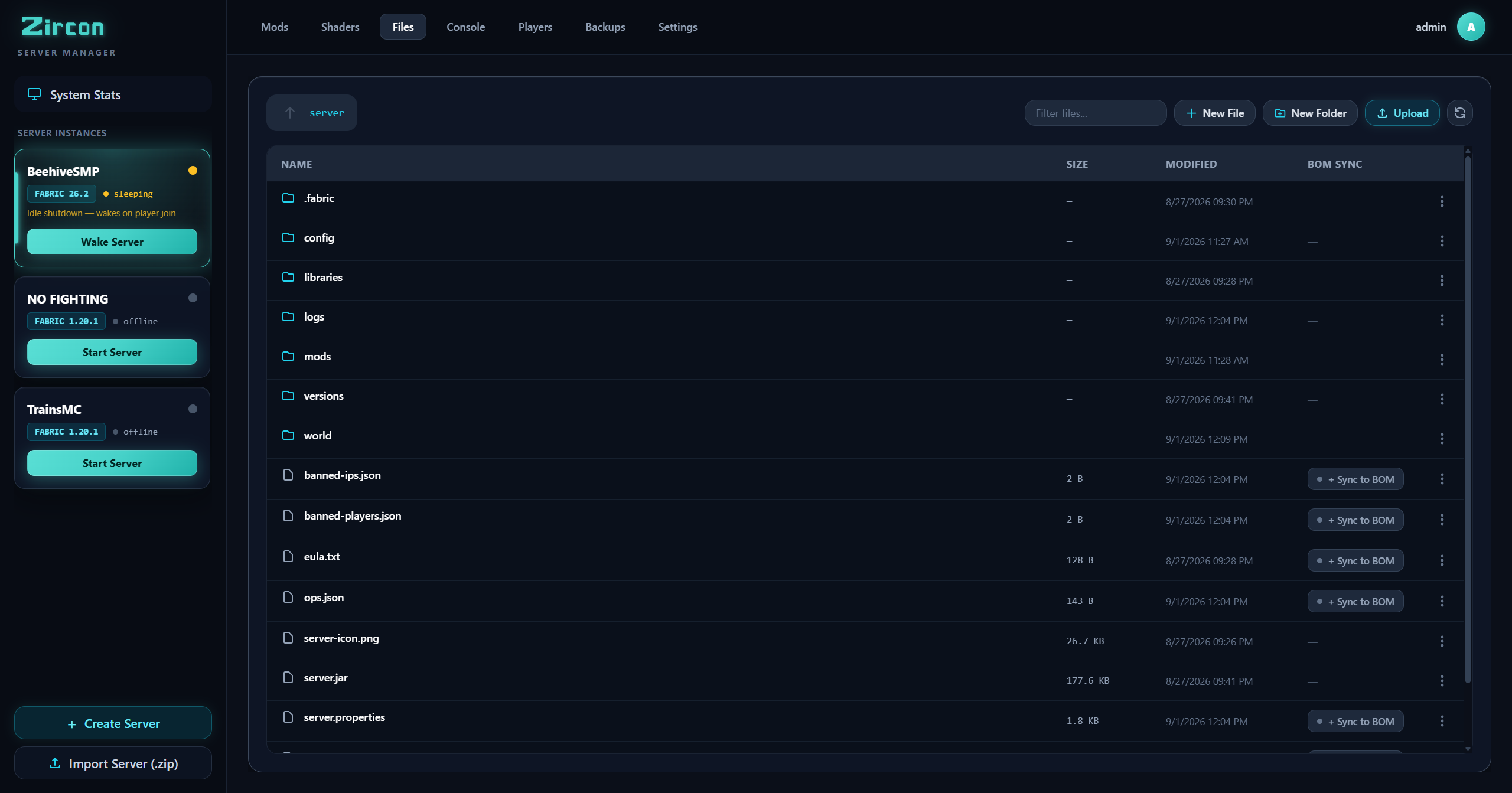
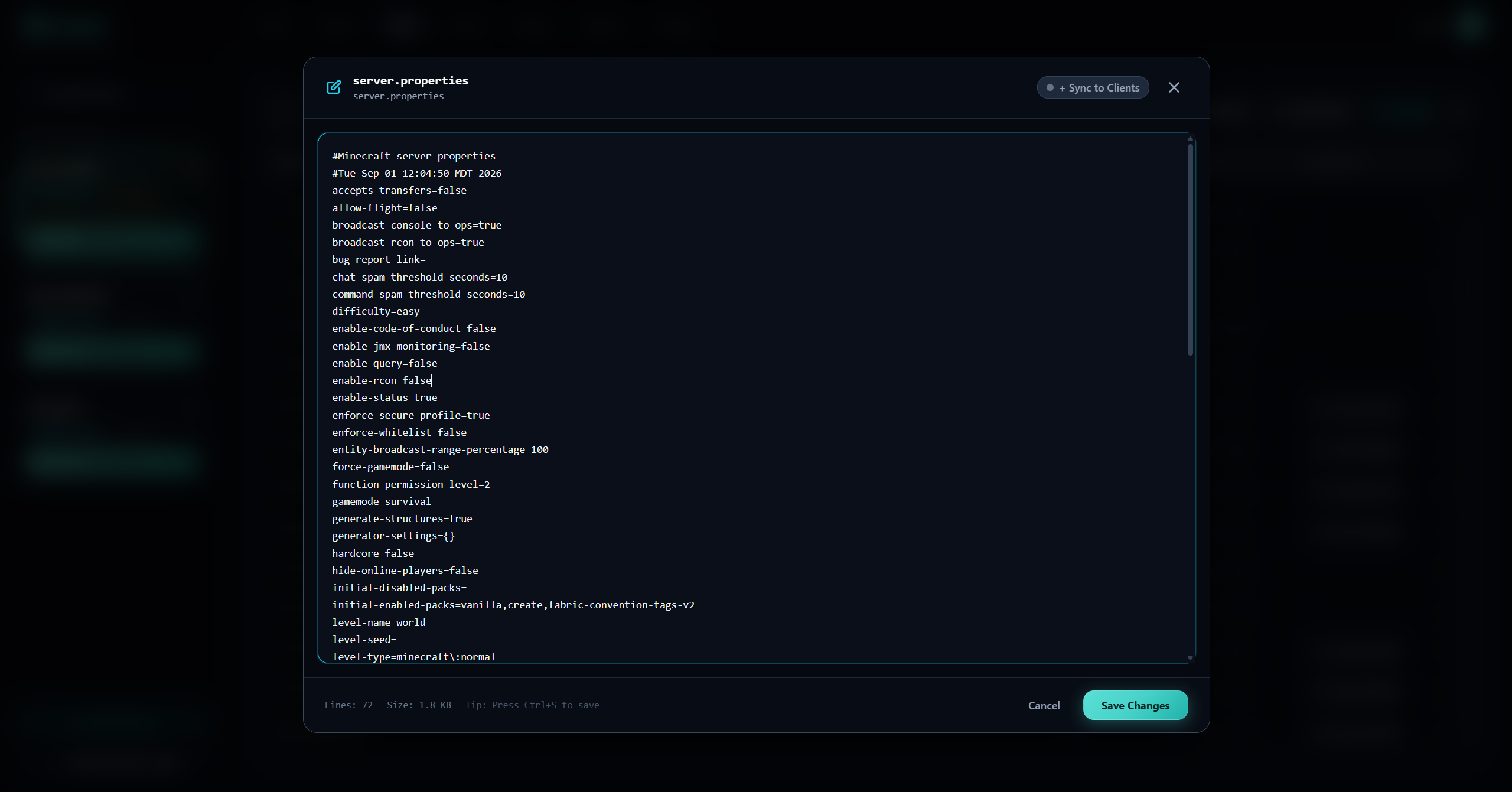
No need for external FTP clients or SSH sessions. Explore your instance files, edit server.properties and JSON configs with the built-in syntax-highlighted editor, and use "Sync to Clients" to propagate configs directly to player launchers.
Your server dictates the mods, shaders, and configs. Players click PLAY and spawn in synced.
Minecraft protocol (25565) and HTTP/REST manifest delivery run on the same single port. No configuring multiple ports, reverse proxies, or complex firewalls.
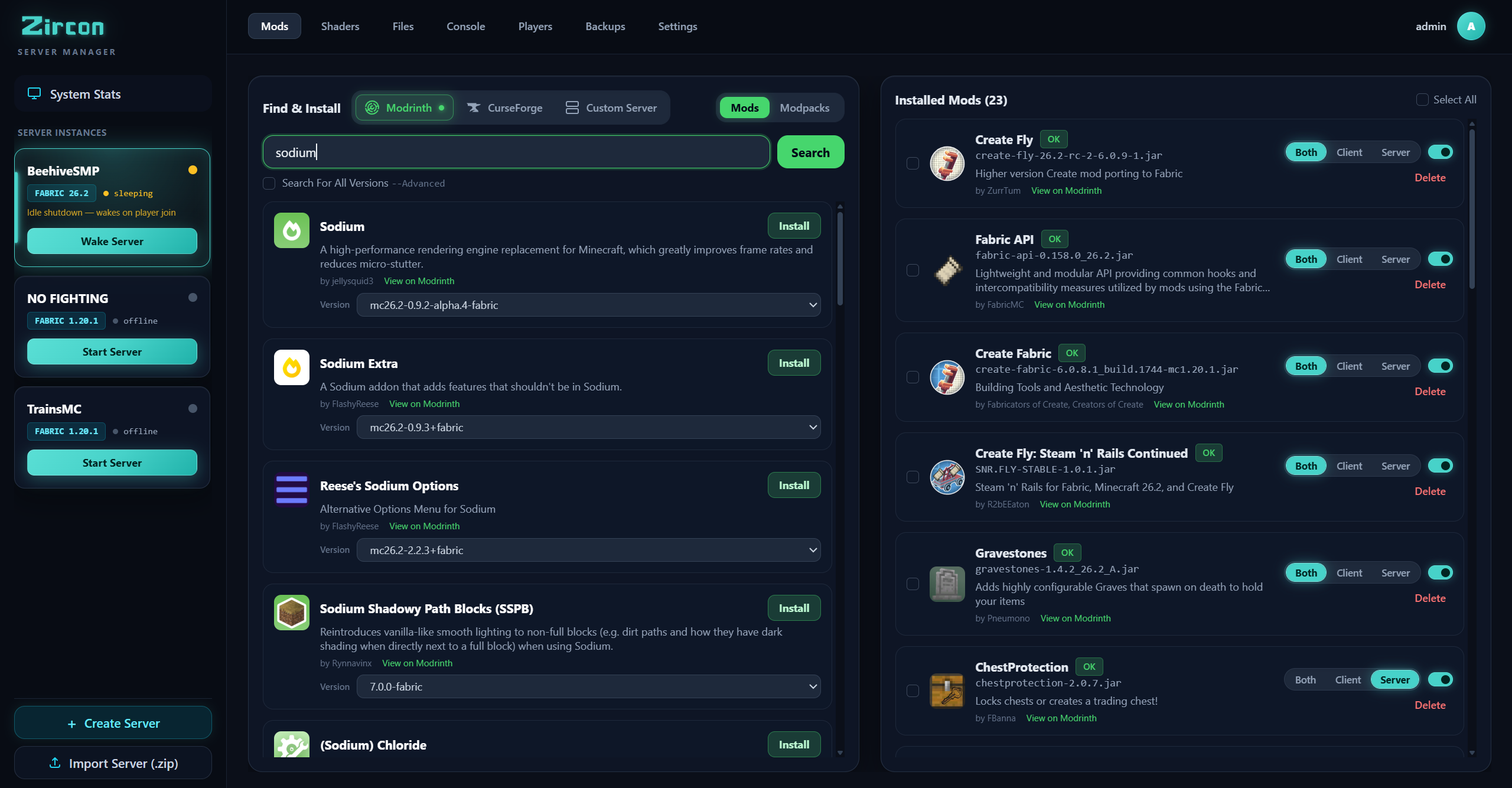
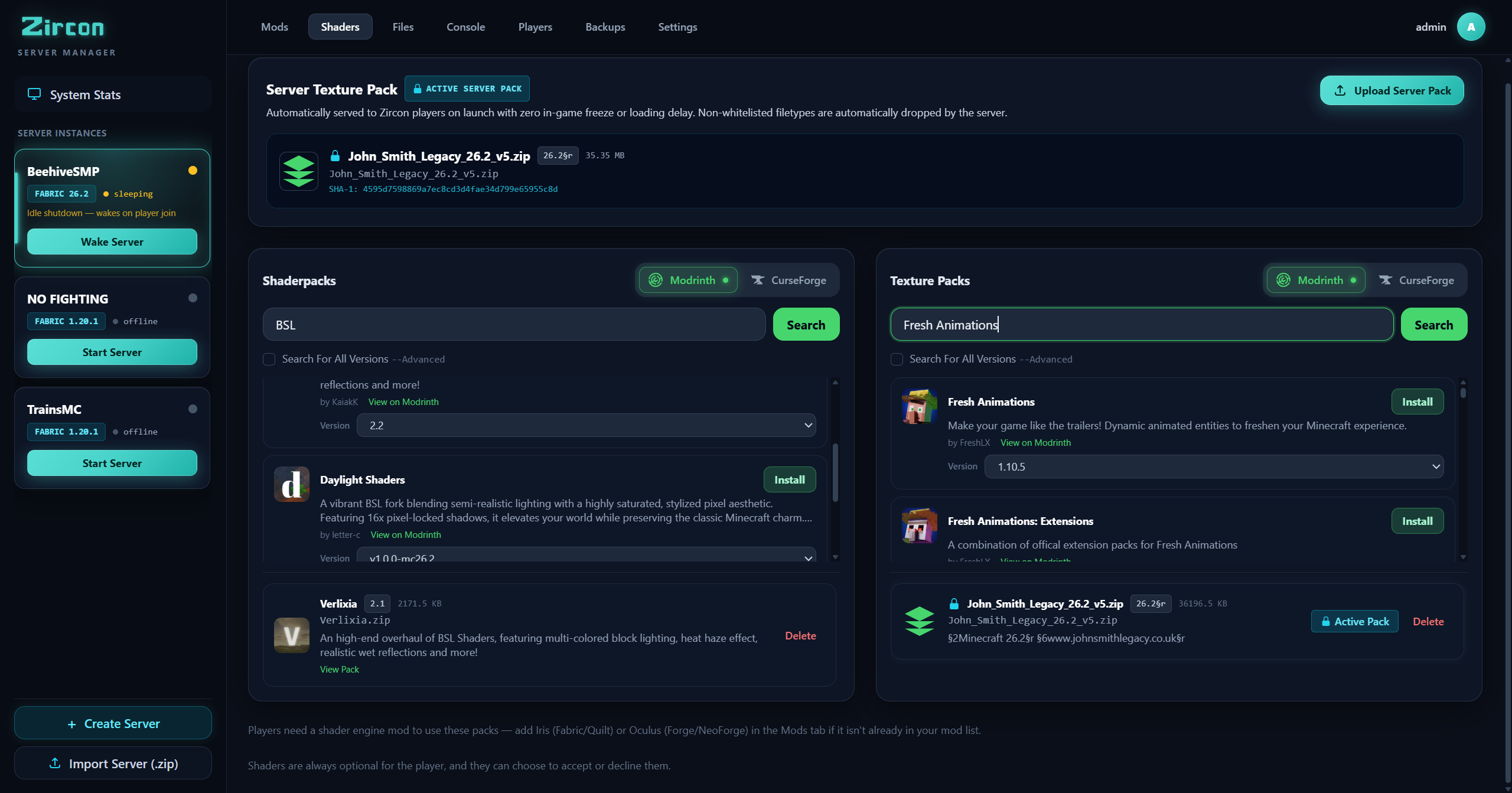
Search millions of mods directly from both Modrinth and CurseForge inside the web panel with zero API keys required. Click once to install dependencies automatically.
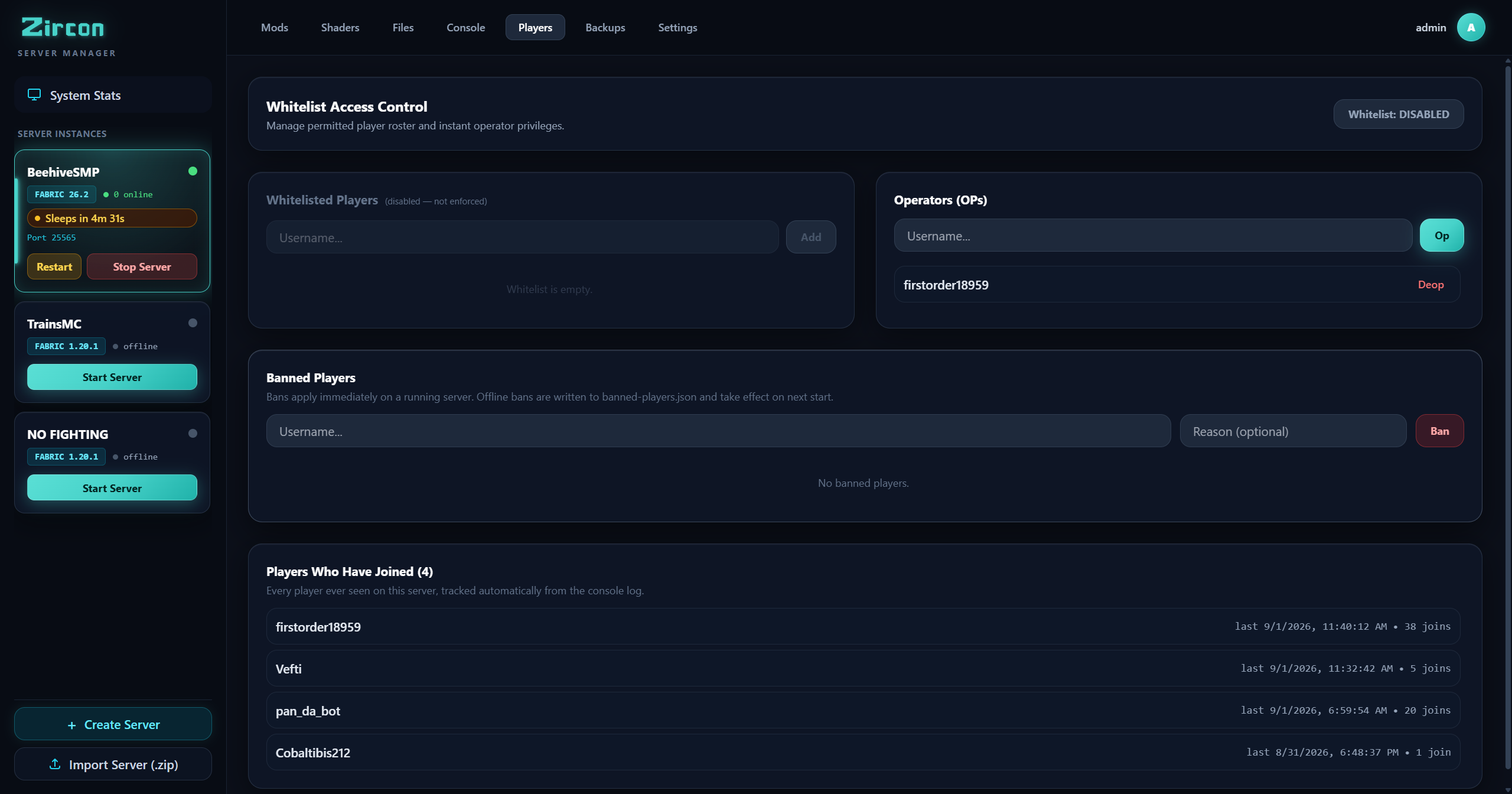
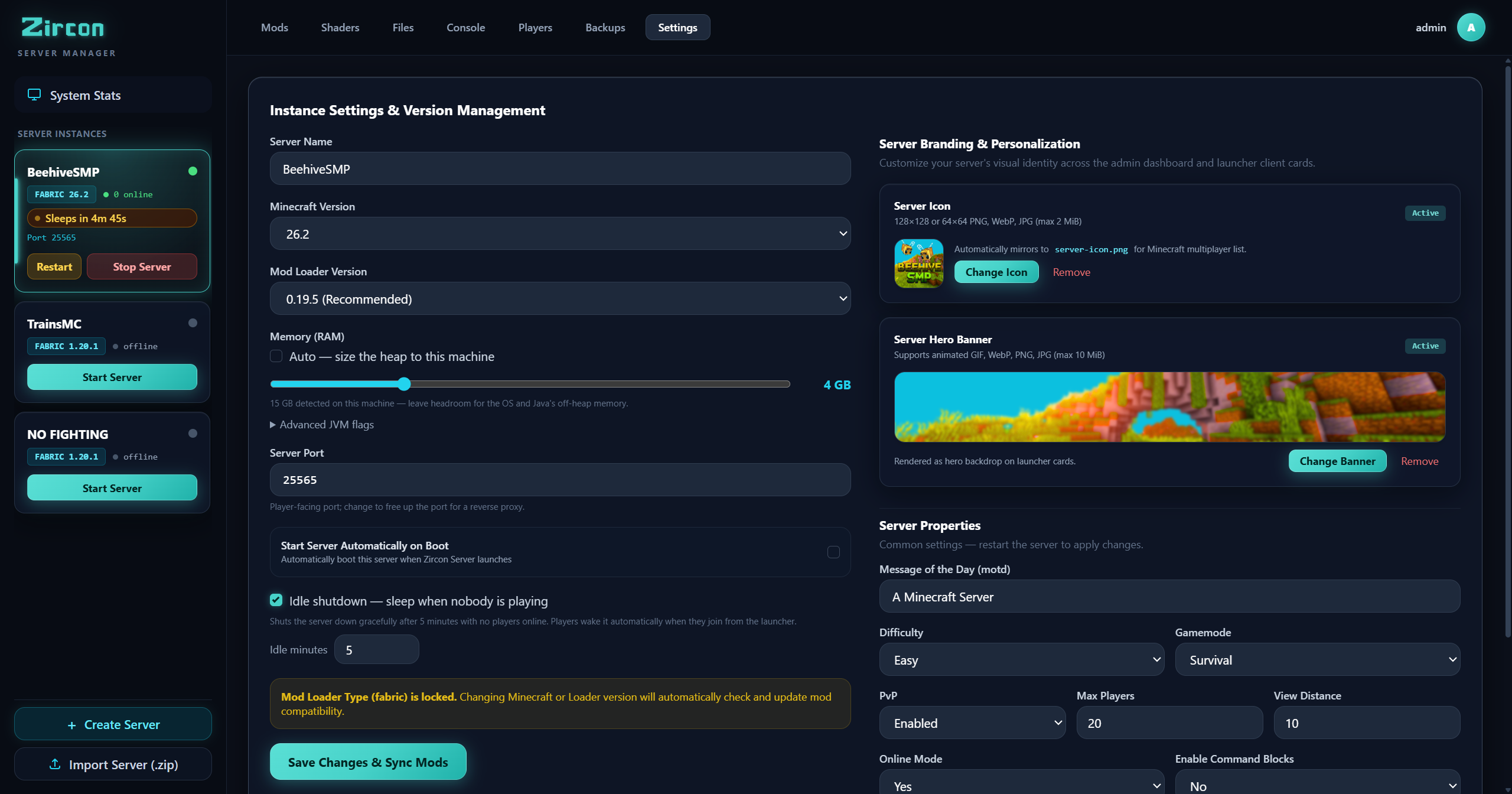
When everyone logs off, the server pauses JVM execution to save CPU and RAM. When a player hits PLAY in the launcher, Zircon wakes the server automatically before connect.
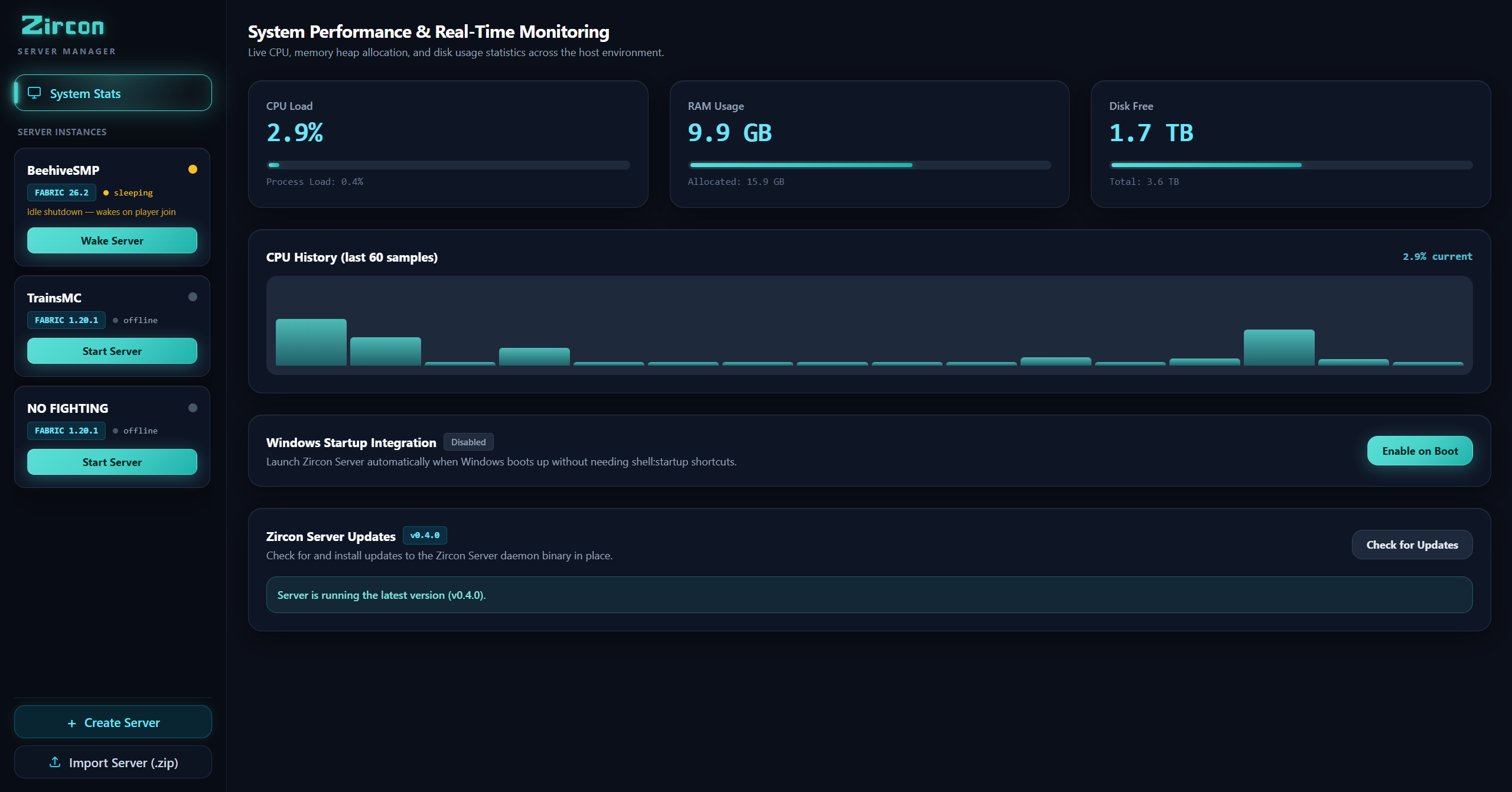
Execute commands, review colorized Minecraft server logs in real time, and monitor server CPU, memory, and tick rates from any web browser.
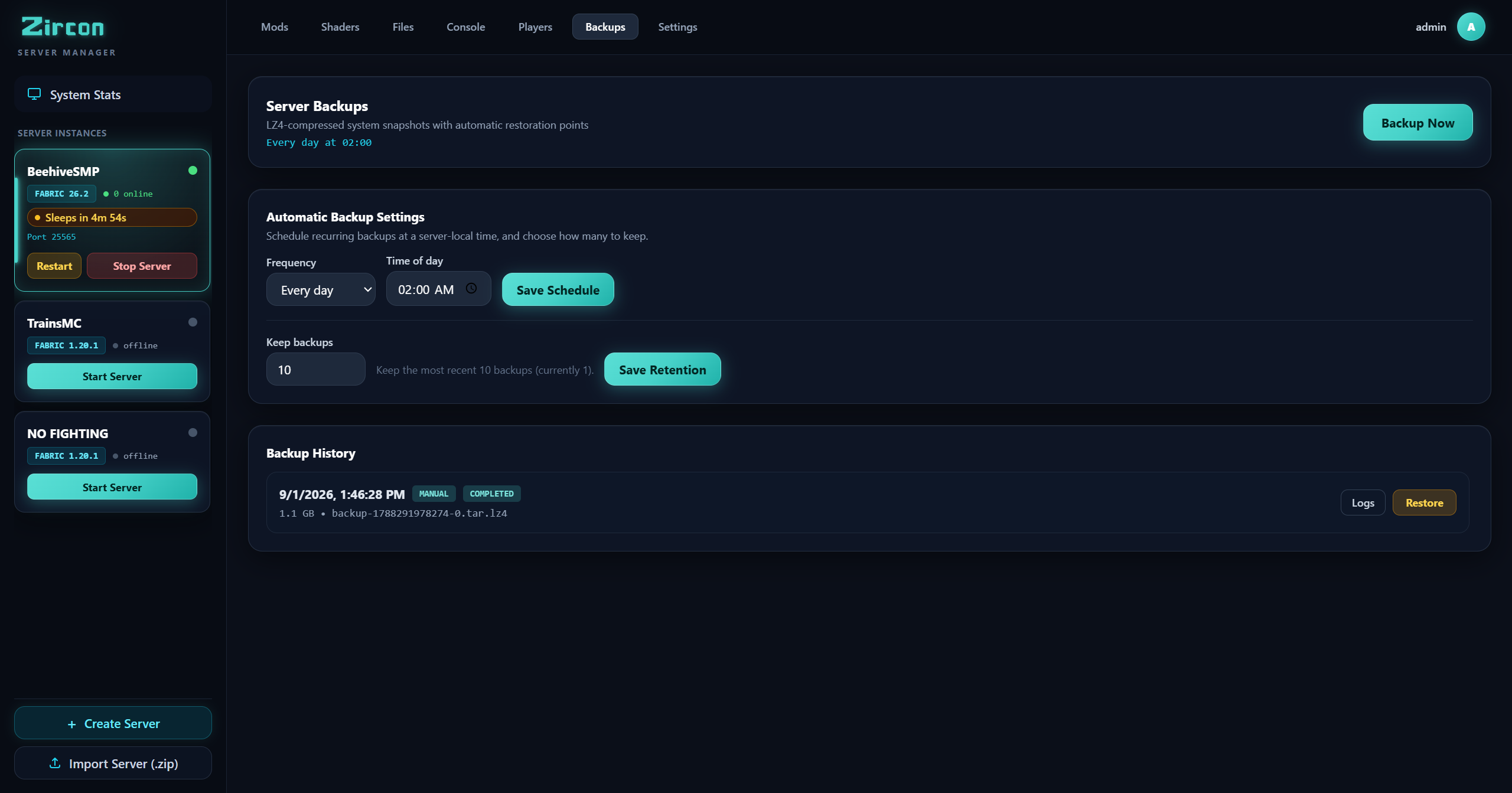
Schedule zip backups of worlds and configurations. Restore full snapshots with a single click if something breaks.
Host multiple Minecraft servers on different ports or switch active modpacks effortlessly from one centralized web dashboard.
Traditional servers require separate ports for the game, web manifests, and admin consoles. Zircon does it on port 25565.
Download the standalone binary or build from source in seconds.
Download Server Manager (.zip) View Step-by-Step Setup Guide