
The Zircon Launcher handles Java runtimes, Fabric/Forge/NeoForge mod loaders, and mod synchronization automatically. Verified against Modrinth & CurseForge on every launch.
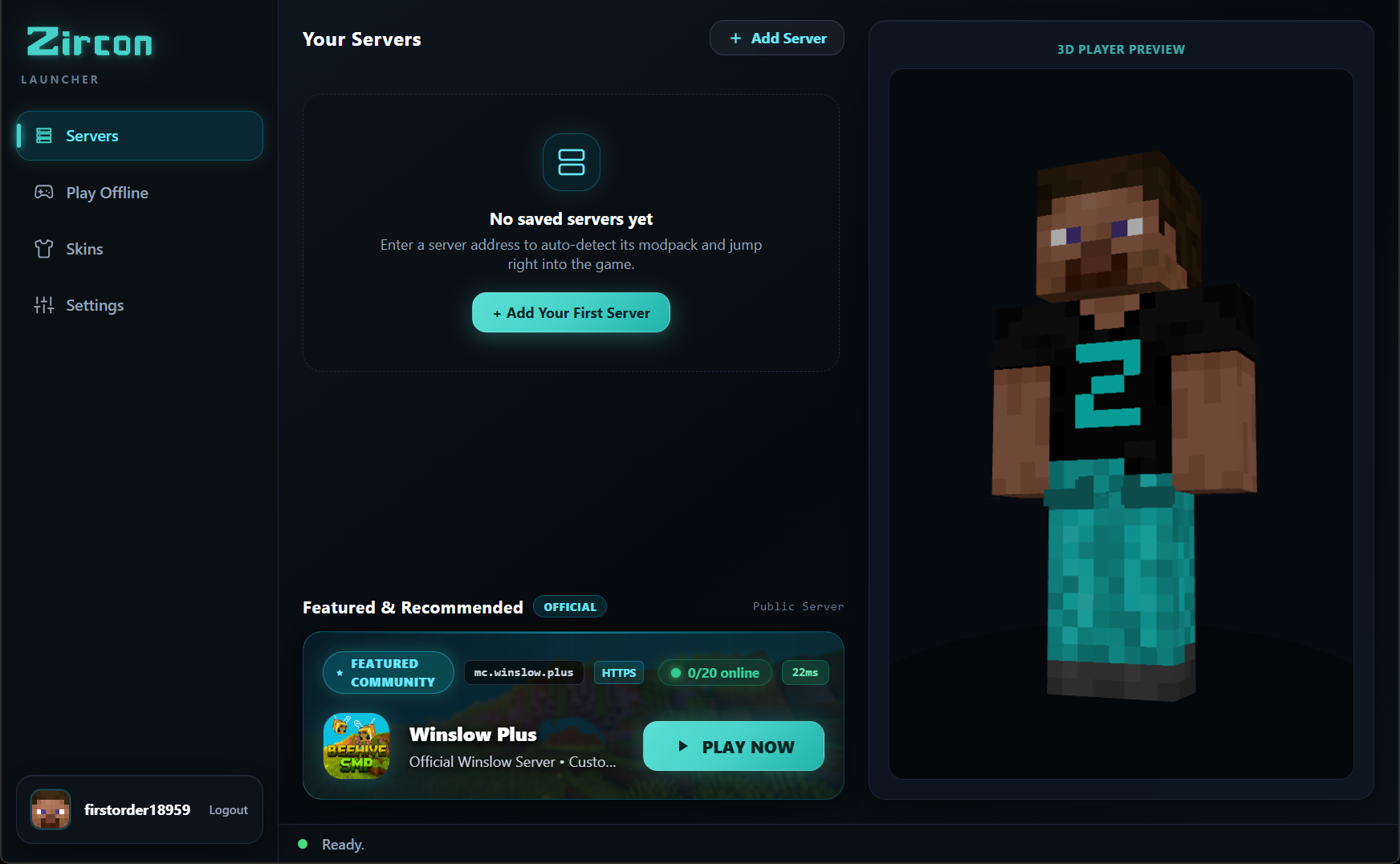
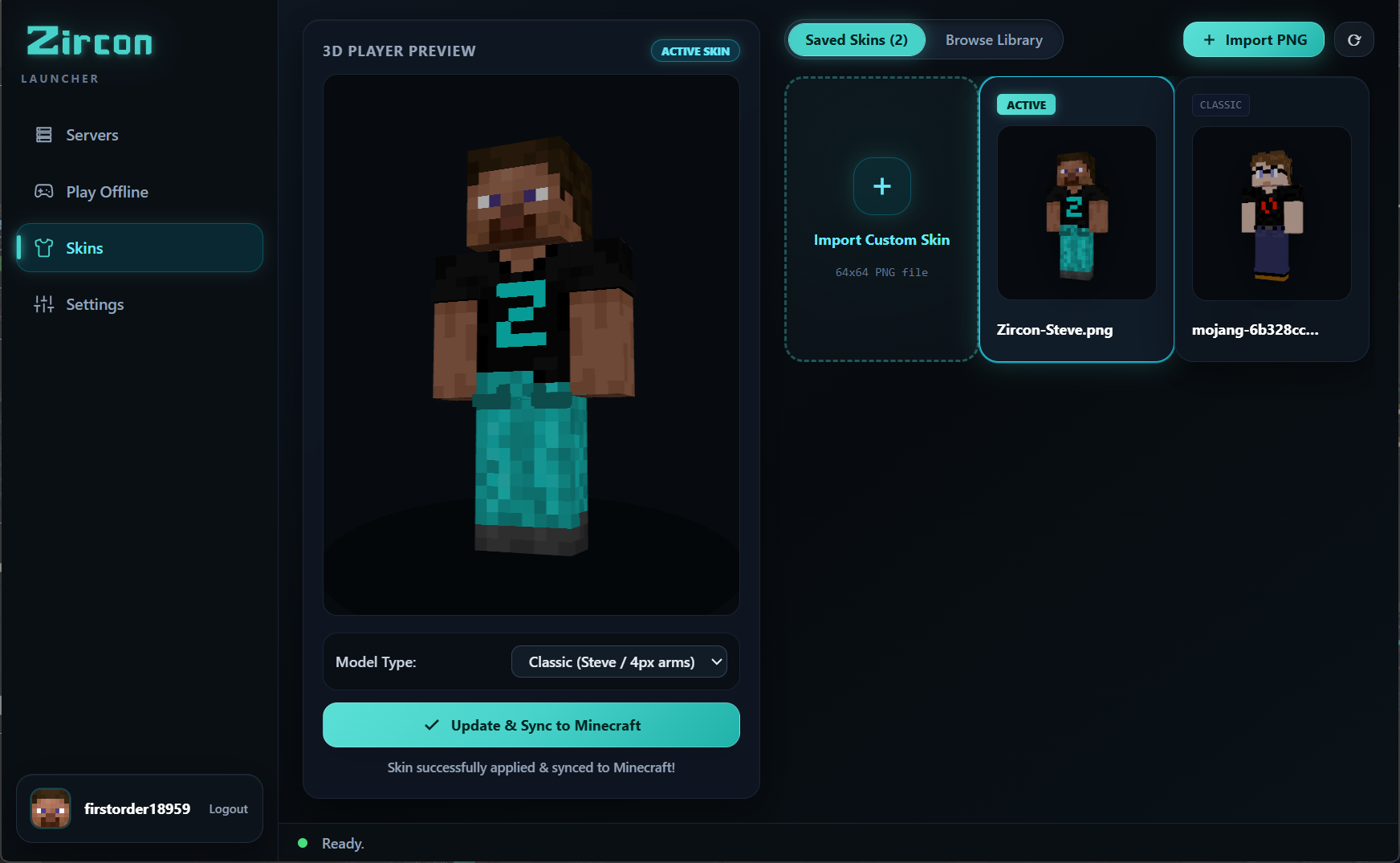
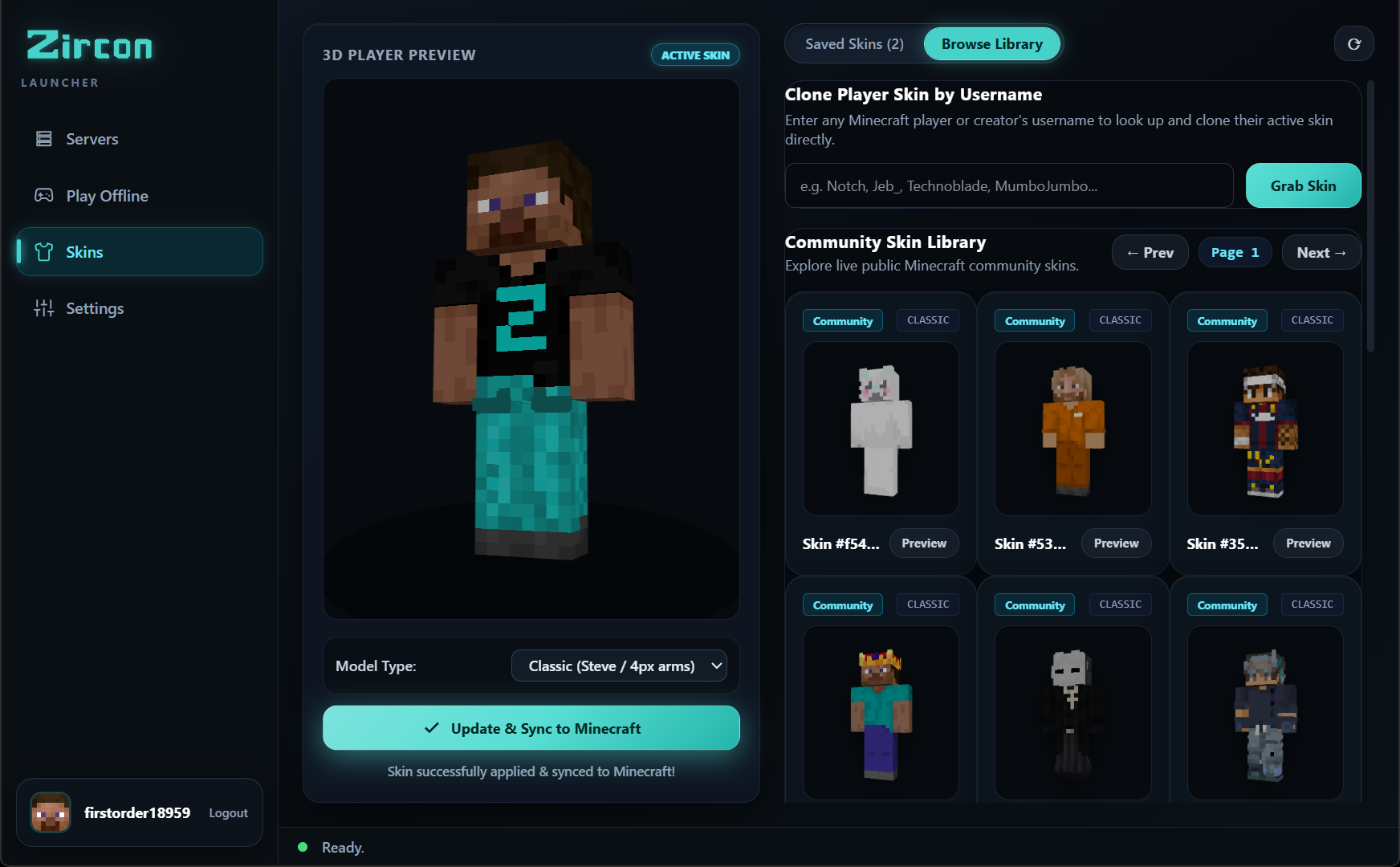
Choose from your saved character skins or upload custom PNGs with a real-time rotating 3D viewport. Want fresh inspiration? Browse thousands of trending community skins fetched directly via API and apply them in one click.
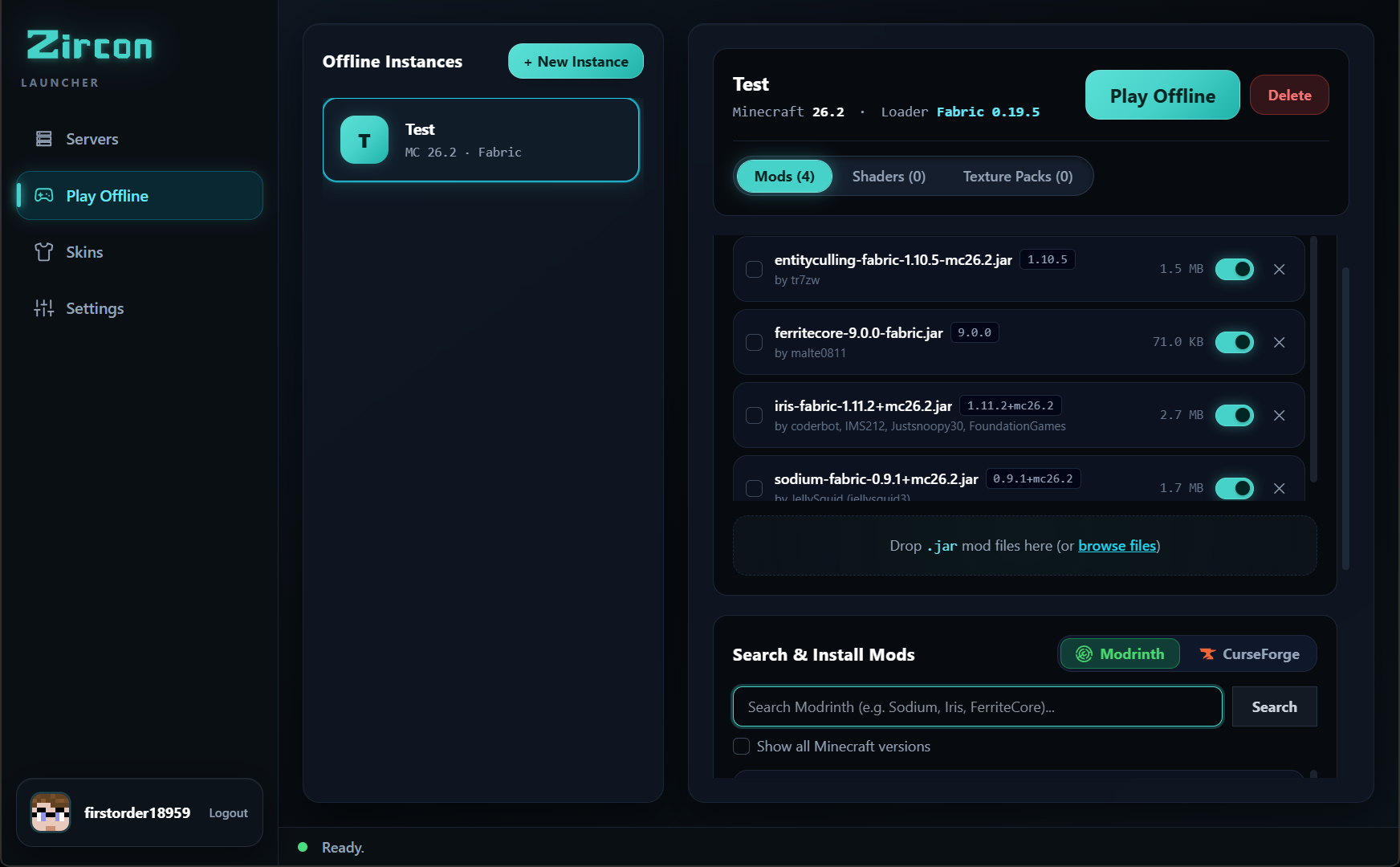
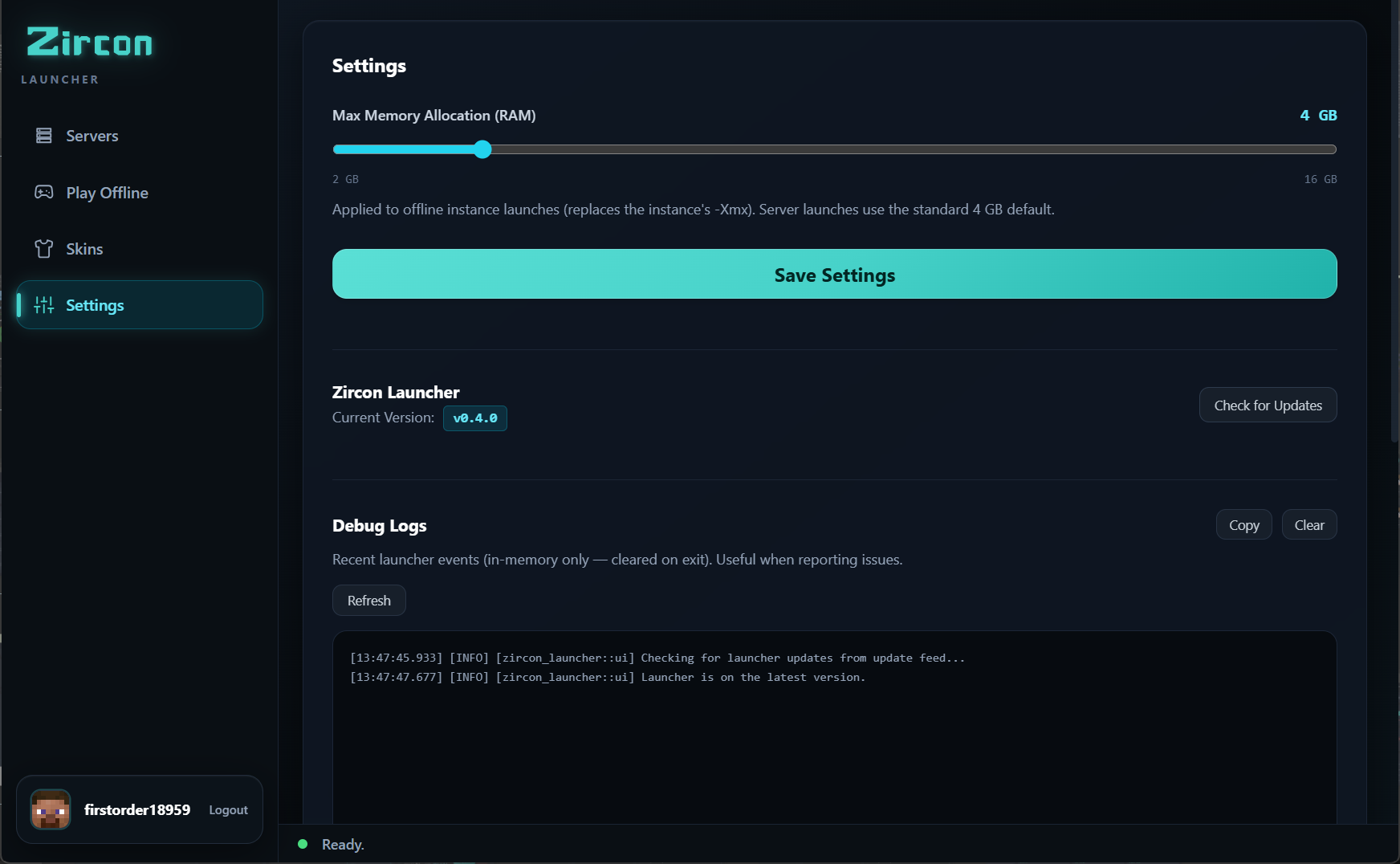
Fine-tune your gaming setup. Allocate dedicated system memory with a simple slider, let Zircon download verified Adoptium Java runtimes automatically, and build offline modpacks without needing an active internet connection.
No more hunting zip files, version conflicts, or troubleshooting crash logs for hours.
When you hit PLAY, Zircon connects to your server, compares mod manifests, verifies hashes via Modrinth & CurseForge, and installs only missing files.
Login securely with Microsoft OAuth PKCE in your web browser. Your credentials are sent directly to Microsoft — never stored or touched by Zircon.
Saved skin selector with 3D viewport, official Mojang account sync, and an online community skin library pulling trending designs live.
Each server gets its own isolated folder. Mods from Server A will never contaminate or crash Server B or your vanilla installation.
Build and test your own modpacks locally. Create custom single-player instances with choice of Minecraft version, loader, and dedicated mods.
Servers can automatically offer custom shaders and resource packs. The launcher syncs and applies them so everyone sees the server as intended.
| Component | Minimum | Recommended |
|---|---|---|
| Operating System | Windows 10 (64-bit) | Windows 11 (64-bit) |
| Account | Microsoft Account with Minecraft Java Edition | Microsoft Account with Minecraft Java Edition |
| RAM | 4 GB System RAM (2 GB allocated) | 8 GB+ System RAM (4–6 GB allocated via RAM slider) |
| Java Runtime | Auto-downloaded by Zircon (Temurin JDK) | Auto-downloaded by Zircon or System Java 17/21 |
| Web View | Microsoft Edge WebView2 (Preinstalled on Windows 10/11) | Microsoft Edge WebView2 Runtime |
Free and open source. Sign in with Microsoft and jump into your favorite server in seconds.
Download Zircon Setup (.exe) View Player Guide